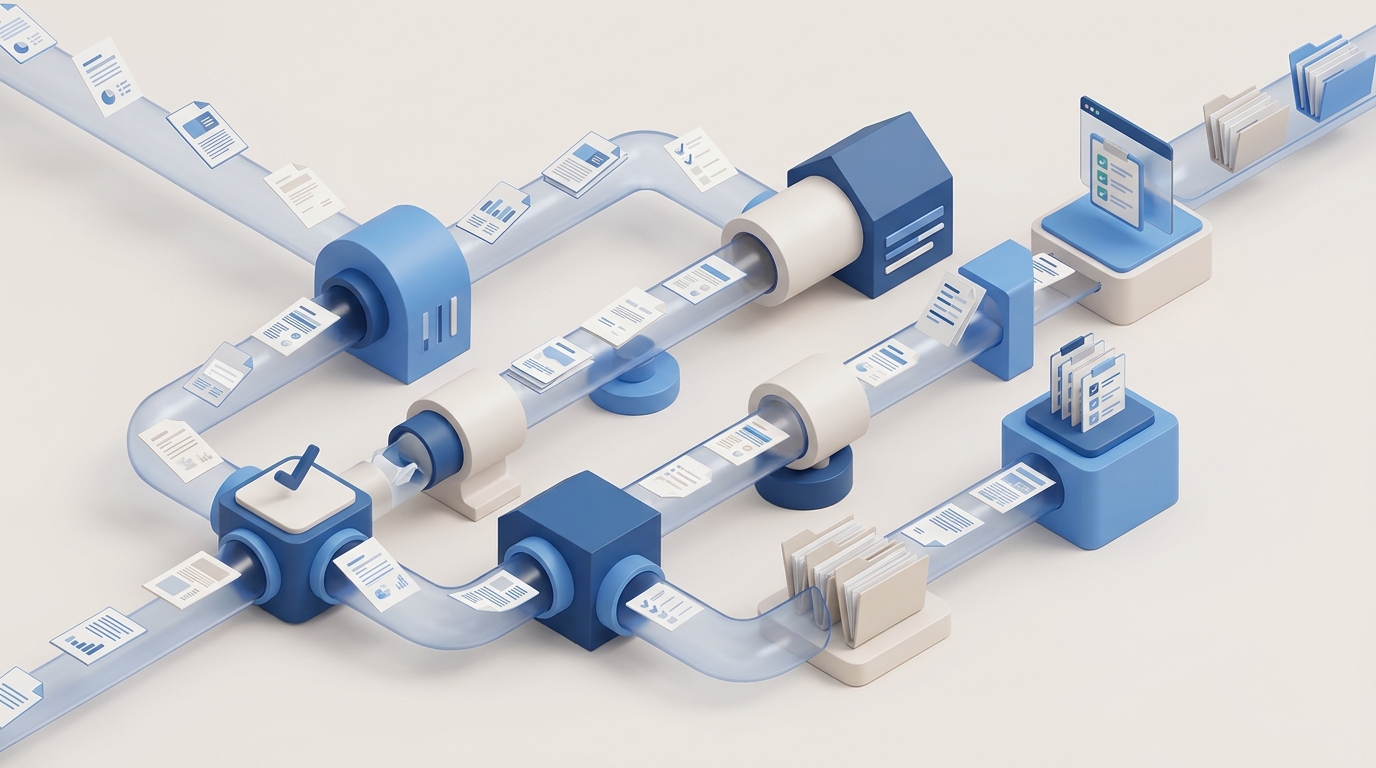
If you run a solo or small CPA firm, you already know the number: somewhere between 5 and 10 hours a week, during season, spent chasing documents. Not doing tax work. Not advising clients. Chasing. CPA document collection automation replaces that manual follow-up cycle — per-client checklists, automatic document matching, and escalating reminders that run without you touching them — recovering 80-160 hours per tax season that most solo practitioners lose to administrative overhead.
You send the organizer in January. Half your clients ignore it. You follow up in February. Some respond with partial documents. You send a second reminder with a checklist of what's still missing. They send two of the four items. You call. They promise to "get it together this weekend." Tax day approaches and you're still missing a K-1 from a client who swears their investment advisor "already sent it."
Meanwhile, you're doing this for 80, 150, 250 clients simultaneously.
Why Don't Client Portals Solve Document Collection?
Client portals provide a place to upload documents but don't drive clients to actually upload them — they're a destination, not a driver. Most CPAs who've tried to solve this problem bought a practice management tool with a portal. TaxDome, Canopy, Karbon — they all have one. And they all have the same limitation.
A portal gives clients a place to upload documents. It does not make clients upload documents. The distinction matters.
"Client provided tax info two days before the cutoff date. The penalty is $3,000, which I consider substantial for my livelihood."
- CPA practitioner, TaxProTalk
That CPA had a portal. The client had access. The documents arrived two days before the deadline anyway - because nobody followed up in a way the client actually responded to.
You set up the portal, send login credentials, and half your clients never log in. They email you instead, or worse, text photos of documents to your personal phone.
A client uploads 3 of 7 required documents and considers themselves done. You still have to cross-reference against the checklist manually.
The portal can send a generic "you have items due" notification. It can't say "You uploaded your W-2 but I still need your 1099-INT from Schwab and your mortgage interest statement."
What Does Automated Document Collection for CPAs Look Like?
Automated CPA document collection is a system that knows what each client owes you, tracks what they've sent, and follows up about what's missing — without you touching it. The word "automation" gets thrown around loosely in accounting software marketing. Here's what it means specifically for document collection:
- Per-client checklists based on their return type, not a generic organizer. A W-2 employee with a mortgage gets a different list than a Schedule C filer with rental properties.
- Automatic matching. When a document comes in - email attachment, portal upload, even a forwarded message - the system identifies what it is and checks it off the list.
- Personalized follow-up. Not "you have outstanding items." Instead: "Hi Sarah, I still need your 1099 from Fidelity and your childcare expense summary. Here's where to find them." Sent on a schedule. Escalating in urgency as deadlines approach.
- Status dashboard. You open one screen and see: 73 clients fully collected, 42 partial, 15 haven't started. Click into any client and see exactly what's missing.
- You only get involved when collection is complete or when a client explicitly needs help. No more being the reminder system.
How Much Does Document Chasing Cost a CPA Firm?
A solo CPA spending 5 hours per week on document follow-up loses 80 hours over a 16-week tax season — $12,000 to $16,000 in unbillable time at standard rates. At a conservative $150/hour billing rate, that's revenue you can't recoup because you spent it on administrative follow-up instead of preparation work.
For a solo practitioner billing $200/hour, that number is $16,000. For a two-person firm where both partners chase documents, double it.
This isn't a technology cost calculation. It's a question: what would you do with 80 hours of tax season back?
The firms that have solved this didn't buy a better portal. They built a workflow where the system does the chasing and the CPA does the preparing. The technology exists. Most firms just haven't wired it up yet.
Why Most CPAs Haven't Done This Yet
1. The tools that promise it are expensive and complex. TaxDome's automations exist but users describe them as "complicated" and hard to configure. Karbon is $1,000/user/year and overkill for a solo firm. Canopy starts at $1,700/user. These aren't small-firm tools - they're enterprise tools sold to small firms.
2. Season is the worst time to change systems. Every CPA knows this. You don't migrate your document workflow in February. But by May you're exhausted, and by September you've forgotten how bad it was. The window for change is narrow and usually gets missed.
3. "It's just how it works." When every accountant you know chases documents, it feels like a fact of the profession rather than a solvable problem. It's not. It's a workflow problem, and workflow problems have workflow solutions.
What to Look For
- Client-specific checklists that reflect actual return complexity, not a one-size-fits-all organizer
- Multi-channel collection - email, portal, text, however clients actually send things
- Automatic document identification so uploads get matched to checklist items without manual sorting
- Escalating reminders that go out on a schedule and get more specific as deadlines approach
- A dashboard that shows collection status across your entire client base at a glance
- Integration with your existing tools - it should work with your email and file system, not replace them
The firms that will thrive in the next five years aren't the ones with the best tax knowledge - most competent CPAs have that. They're the ones who eliminated the 80 hours of chasing so they could spend that time on work that earns revenue and builds relationships.
Document collection is half the problem. The other half? Client communication - the "where's my return?" emails that cost you 5-8 hours a week. Once you've collected and prepared, there's the billing gap - why CPA firms lose 8-12% of revenue to manual billing. And tying it all together: how missed deadlines cascade into $3K penalties when tracking is manual.
Ready to stop chasing documents?
We build automated document collection systems for CPA firms. Custom to your workflow, integrated with your tools.
Book a Strategy CallSee all CPA automation services →