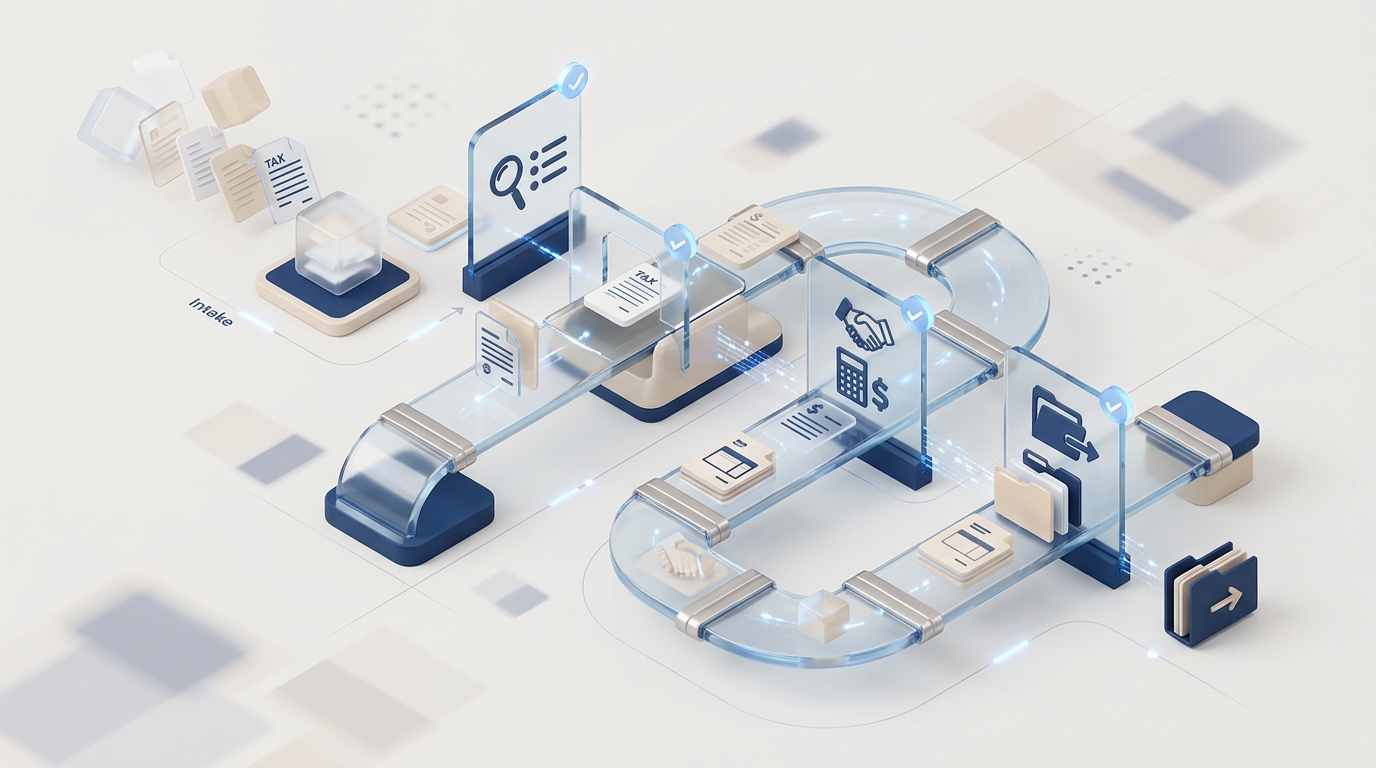
A prospect says yes on a discovery call. You're pleased - new revenue, new relationship, growing the practice. Then the work begins: draft an engagement letter, send a document request, set them up in your practice management system, create their profile in your tax software, configure billing, send welcome instructions for the portal.
Three to five hours later, you've done zero billable work. You've just moved data between systems, written emails, and hoped nothing fell through the cracks. And if you're being honest - something probably did.
CPA client onboarding automation replaces this manual process with systems that generate engagement letters, trigger document request sequences, populate practice management and tax software from intake data, and deliver a polished client experience in under 30 minutes — instead of the 3-5 hours of admin that most firms burn per new client. This is the onboarding tax. Every CPA firm pays it. Most don't realize how expensive it actually is.
How Much Does Manual Onboarding Cost CPA Firms?
The time isn't the worst part. The worst part is what the time costs downstream.
When onboarding is slow and manual, several things happen that never show up in a time audit:
- The engagement letter sits in drafts for days. You know you need to send it, but customizing the scope, checking the fee schedule, and formatting it properly takes 30-45 minutes. Other work takes priority. Meanwhile, the client has no signed agreement and no legal clarity.
- Document requests are incomplete. You forget to ask for the K-1 from their LLC, or the prior year state return. Two months later, you're chasing it during busy season - when every interruption costs ten times as much.
- System setup gets deferred. The client exists in your email inbox but not your practice management tool. Work gets done but isn't tracked. Time goes unbilled. The billing leak from our billing automation article starts on day one.
- The client experience is inconsistent. Client A gets a polished welcome email and portal setup within 24 hours. Client B (who signed during tax season) waits a week, gets a terse document list, and never receives portal instructions. Both pay the same fee.
"We lose more clients from sloppy onboarding than from bad tax work. The first impression is the engagement letter and the first document request. If those feel rushed or generic, the client starts wondering if they made the right choice."
- CPA practice management consultant, AccountingToday roundtable
Where the Time Actually Goes
We broke down the typical CPA onboarding workflow into its components. Here's what 3-5 hours of manual onboarding looks like:
Engagement Letter
Open template. Customize scope of services, fee structure, payment terms. Adjust for entity type (individual, S-corp, partnership). Review. Email to client. Wait for signature. Follow up if unsigned after 3 days.
Manual: 30-45 minDocument Request
Determine which documents are needed based on client type and services. Create checklist. Email to client. Answer questions about what counts as "proof of health insurance." Re-send when they lose the email.
Manual: 30-60 min + follow-upsSystem Setup
Create client in practice management (TaxDome, Karbon, or spreadsheet). Create in tax software (Drake, Lacerte, ProSeries). Enter the same name, EIN, address, entity type, and contact info in each system separately.
Manual: 45-90 minBilling & Portal
Set up recurring billing in QBO. Configure client portal access. Send portal invitation with instructions. Create payment schedule if applicable. Set up auto-reminders.
Manual: 30-45 minThe work itself isn't difficult. That's the problem. It's tedious, repetitive, and error-prone - the exact combination that makes humans bad at it and automation good at it.
Why Are Engagement Letters a Bottleneck for CPA Firms?
Engagement letters bottleneck CPA firms because each one requires just enough customization — scope clauses, fee structures, entity types — to prevent batch processing, yet just enough repetition that manual editing introduces errors in 40%+ of cases. Of all onboarding tasks, the engagement letter is the biggest bottleneck — not because it's the hardest, but because it requires just enough judgment to prevent batch processing, and just enough formatting to resist copy-paste.
A solo CPA handling individual returns, S-corps, and partnerships needs at least three different engagement letter templates. Add bookkeeping, advisory, or payroll services and you need template variants for each combination. Most firms have 2-3 templates and manually edit them for every client, which means:
- Scope clauses get accidentally left in or removed
- Fee structures from the previous client bleed into the next letter
- The wrong entity type appears (and nobody catches it until the client does)
- Letters go out without e-signature capability, requiring print-sign-scan
Automated engagement letters generate from the intake data. Client is an S-corp with bookkeeping and tax prep? The system selects the right template, populates scope, inserts the agreed fee, and sends via e-signature. The CPA reviews in 2 minutes instead of writing for 30.
The Data Entry Tax
Here's a question that should make every CPA uncomfortable: how many times do you enter the same client's name, address, and EIN across your systems?
The answer is usually three to five. Practice management tool. Tax software. QuickBooks. Client portal. Maybe a separate document management system. Each one has its own client record that doesn't talk to the others.
This isn't a CPA-specific problem - it's an industry-wide infrastructure gap. Tax software vendors have zero incentive to make their systems interoperable. TaxDome doesn't want to make it easy to use Karbon. Drake doesn't want to make it easy to use Lacerte. So the CPA becomes the integration layer, manually copying data between systems that should have shared it automatically.
"I enter the same client info in four different places every time we take someone on. I've asked every vendor about integrations and the answer is always 'coming soon.' It's been 'coming soon' for three years."
- Solo CPA, r/taxpros
Onboarding automation solves this by treating the intake form as the single source of truth. Client fills out one form. That data flows into every system that needs it - practice management, tax software, billing, portal - without the CPA touching it.
What Does Automated CPA Client Onboarding Look Like?
Automated CPA onboarding triggers a complete workflow from a single intake form: engagement letter generation with e-signature, personalized document request sequences, practice management and tax software population, billing configuration, and welcome communications — all within minutes of the discovery call, without changing your existing tools. Here's the same four-phase process, automated:
Manual (today)
- Discovery call → scribbled notes
- Draft engagement letter (30 min)
- Email letter, wait for print-sign-scan
- Create document checklist from memory
- Set up client in 3-4 systems manually
- Send portal invite (if remembered)
- Configure billing in QBO
- Total: 3-5 hours over 1-3 weeks
Automated
- Discovery call → intake form triggers workflow
- Engagement letter auto-generates, sends for e-sign
- On signature: document checklist deploys (personalized)
- Client created in all systems from intake data
- Portal invite sends automatically
- Billing configures from engagement terms
- Total: 15-30 min of CPA review time
The CPA's role shifts from data entry to quality control. You review the engagement letter before it sends. You glance at the document checklist to make sure it's complete for this client's situation. You confirm the billing setup matches what you agreed on the call. But you're reviewing and approving - not creating from scratch.
The Busy Season Multiplier
Onboarding automation pays for itself year-round, but the real value shows during January through April. That's when you're least able to spend 3-5 hours per new client - and when you're most likely to take shortcuts that create problems later.
Consider: a solo CPA who takes on 8 new clients during busy season. Manual onboarding = 24-40 hours of admin work during the months when every hour is worth $200-$400 in billable time. That's $4,800-$16,000 in opportunity cost - just from onboarding.
With automation, those same 8 clients require about 4 hours of review time total. The rest happens in the background while you're doing tax work.
Spending busy season on admin instead of tax work?
We build onboarding automation for CPA firms. New clients get set up in minutes, not days - across all your systems, with zero duplicate data entry.
See How It Works →The Document Collection Connection
Onboarding and document collection are two halves of the same problem. A bad onboarding process creates document collection problems that persist for the entire engagement.
When the initial document request is incomplete, rushed, or generic, clients provide incomplete information. Then you're chasing missing K-1s in March, which we covered in depth in our document collection automation article.
Automated onboarding fixes this at the source. The document checklist is generated from the client's entity type, services selected, and prior year filing status. An S-corp client with rental properties gets a different checklist than an individual with W-2 income. The request is specific, complete, and sent before the client has time to forget about it.
What Not to Automate
Not every part of onboarding should be automated. The parts that build trust and set expectations need a human:
Keep human
- The discovery call - evaluating fit, understanding their situation, setting expectations
- Pricing decisions - especially for complex situations or value-based pricing
- Scope negotiations - when a client wants services you don't typically offer
- The "welcome" touchpoint - a brief personal email or call after they sign acknowledging the relationship
Automate
- Engagement letter generation, delivery, and e-signature tracking
- Document request creation and follow-up sequences
- System setup across practice management, tax, and billing software
- Portal provisioning and access instructions
- Recurring billing configuration
- Welcome packet delivery (firm policies, communication preferences, key dates)
The distinction is simple: automate the process, keep the relationship human. Clients should feel personally attended to. They shouldn't have to wait three days for a portal invite because you were busy with someone else's extension.
Implementation: Off-Season Is the Window
Like billing automation, the right time to implement onboarding automation is between seasons - May through September. Here's the typical timeline:
- Week 1-2: Map your current process. Document every step, every system, every email template. Identify what's repeated across clients and what varies.
- Week 3-4: Build the automation. Intake form, engagement letter logic, document checklist rules, system integrations, email sequences.
- Week 5-6: Test with real clients. Onboard 3-5 off-season clients through the automated process. Run manual alongside for comparison.
- Week 7+: Refine and trust. Fix edge cases, adjust templates, build confidence in the system before January hits.
By the time busy season arrives, you've processed enough clients through the automation to trust it. New clients get the polished experience. You get your time back.
The Compounding Effect
Onboarding automation doesn't just save time on the onboarding itself. It fixes problems that ripple through the entire client lifecycle:
- Better billing - clients are set up in QBO correctly from day one, not retrofitted weeks later
- Complete documents - the initial request is thorough, reducing mid-season chasing
- Cleaner data - one intake form populates all systems, eliminating the "which system has the right address?" problem
- Consistent experience - every client gets the same professional onboarding, regardless of when they sign
- Scalability - taking on 10 more clients doesn't mean 50 more hours of admin work
This is the part that SaaS tools can't solve. TaxDome and Karbon can improve parts of onboarding within their platform. But your practice runs on multiple systems. The automation that matters is the one that connects them - turning one intake event into complete setup across every tool you use.
That's not a software purchase. That's a custom implementation.
See how CPA practice automation works →
Related: The 5 bottlenecks costing your firm 20+ hrs/week · Automating document collection · Fixing billing leaks · Automating client communication